Bring logs together
Collect supported Windows and Linux events and receive syslog from network sources through a central gateway.
Turn scattered logs into a focused investigation.
Bring log collection, detection coverage, and security investigation into a central workspace for MSPs and internal IT teams.
Built for security teams, IT teams, and MSPs.
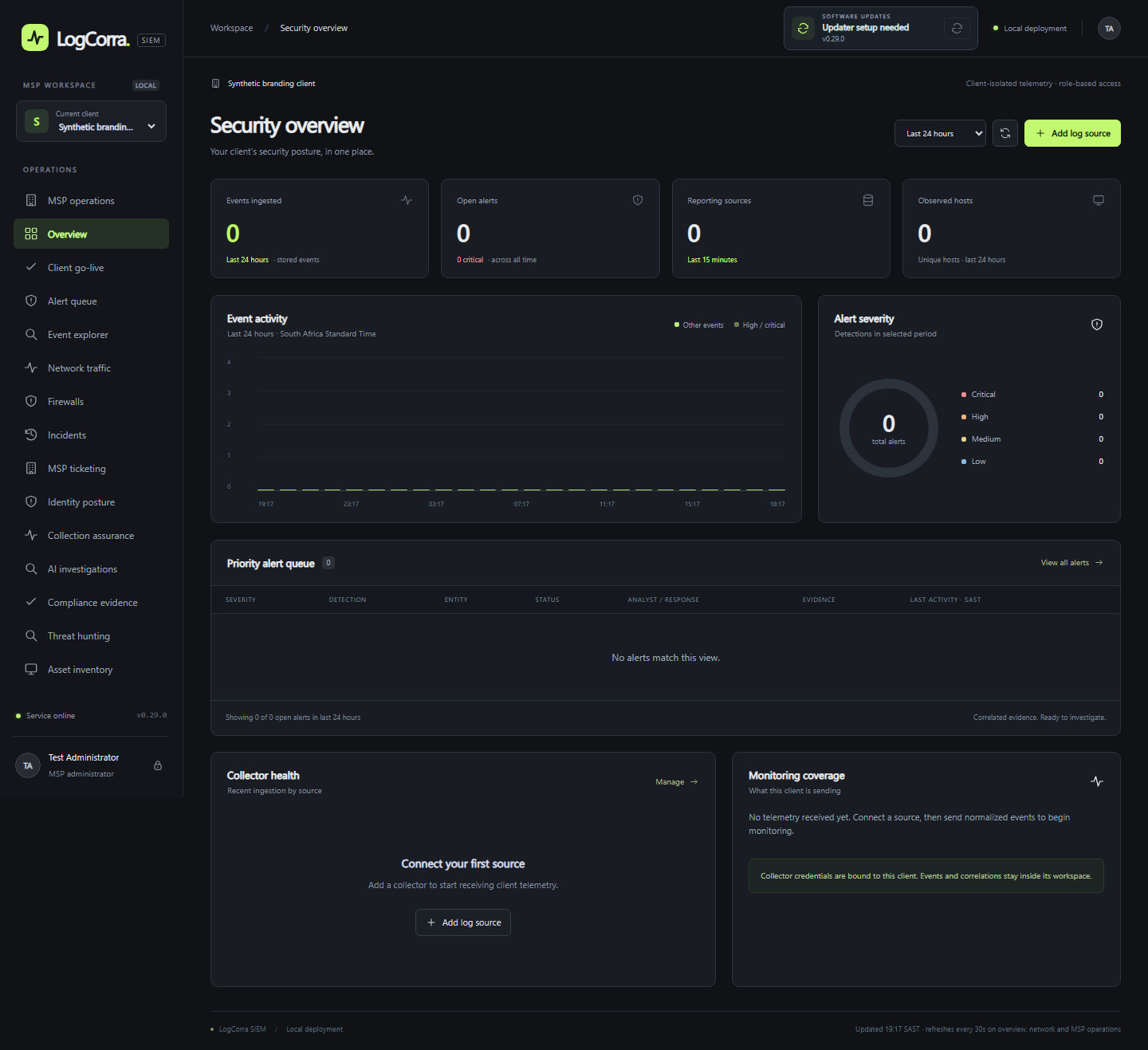
Use the one-line installer on a new, dedicated server. Review the requirements before you run it, then complete administrator sign-in and certificate trust.
On the fresh host, run this command as a sudo-capable user. The installer detects the IPv4 address on the default route, installs the services, and checks that the console and collector gateway are healthy.
curl -fsSL https://git.shieldus.co.za/root/siem-server/-/raw/main/install.sh | sudo sh
Replace SERVER_IPV4 with the address your operators and collectors can reach.
curl -fsSL https://git.shieldus.co.za/root/siem-server/-/raw/main/install.sh | sudo sh -s -- --address SERVER_IPV4
https://SERVER_IPV4. The collector gateway uses https://SERVER_IPV4:8443.
sudo signal-admin initial-admin. At first sign-in, change the temporary password and enrol MFA.
/etc/signal/lan-ca.crt to operator and collector machines and trust it there. Keep private keys on the server.
The current server installer still uses the legacy signal-admin command and /etc/signal path. The product interface is LogCorra.
This command is for a fresh dedicated server only. It refuses existing installations and running web services; use the upgrade procedure for an existing deployment. Collector enrolment follows after server setup.
Review the installer sourceCollect events from supported sources, understand which inputs are arriving, and review detections with the underlying evidence. Keep each client’s monitoring context scoped to their workspace.
Collect supported Windows and Linux events and receive syslog from network sources through a central gateway.
Explore retained events and filter the evidence that matters to a security question.
Use detection rules and the alert queue to focus attention on events that need investigation.
Review source health, collector heartbeats, and observed inputs so missing telemetry remains visible.
Use client-scoped event storage and workspaces to organise monitoring across an MSP portfolio.
Run the security monitoring platform in a self-hosted environment and scope collectors to the sources you choose.
A LogCorra walkthrough starts with your environment and the outcomes your team needs.
Choose the endpoints, servers, and network sources in scope and configure the supported collection paths.
Review collection health, incoming evidence, detection rules, and alerts in the client workspace.
Follow a signal into its event evidence and record the operational follow-up your team needs.
Choose the view of the product that matches the work your team is responsible for.
Organise security monitoring with distinct client workspaces and source context.
Bring events from supported servers, workstations, and network sources into one place.
Review detections and investigate retained events with visibility into collection coverage.
LogCorra provides Windows and Linux collectors, a collector gateway, and syslog receivers. The exact event channels depend on the source, operating system, permissions, and collector configuration.
LogCorra supports client-scoped event storage and monitoring workspaces. We can walk through client organisation and collection requirements during a demo.
Yes. LogCorra is designed for self-hosted security monitoring. We will discuss infrastructure, retention, source volumes, and operational responsibilities with you before deployment.
Tell us about your team, your environment, and the work you want to improve. We’ll help you shape the next practical step.
Request a LogCorra demoEmail enquiry · hello@shieldus.co.za